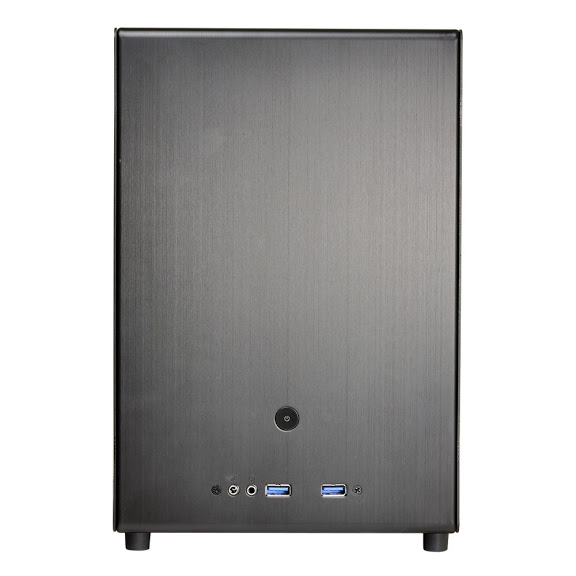

Continuing on we will have a look at the exterior of the Armor A90 case. Beginning with a view of the front you can see the rugged styling. There are two front panel USB ports along with the microphone and headphone jacks. Just below that is the hard drive LED, power LED and reset buttons. The power button is the very large triangle area just below and to the left of the reset button. The Armor A90 features a swing out front door which conceals the three 5.25 bays as well as the single 3.5 bay. The door feels very solid while opening and closing it, and is held shut with magnets. Behind the front panel is a blue LED 120mm fan and an option to add another 120mm fan should the user desire. The overall feel of the case is very strong, this is not a flimsy chassis by any account.
![]() |
![]() |
![]() |
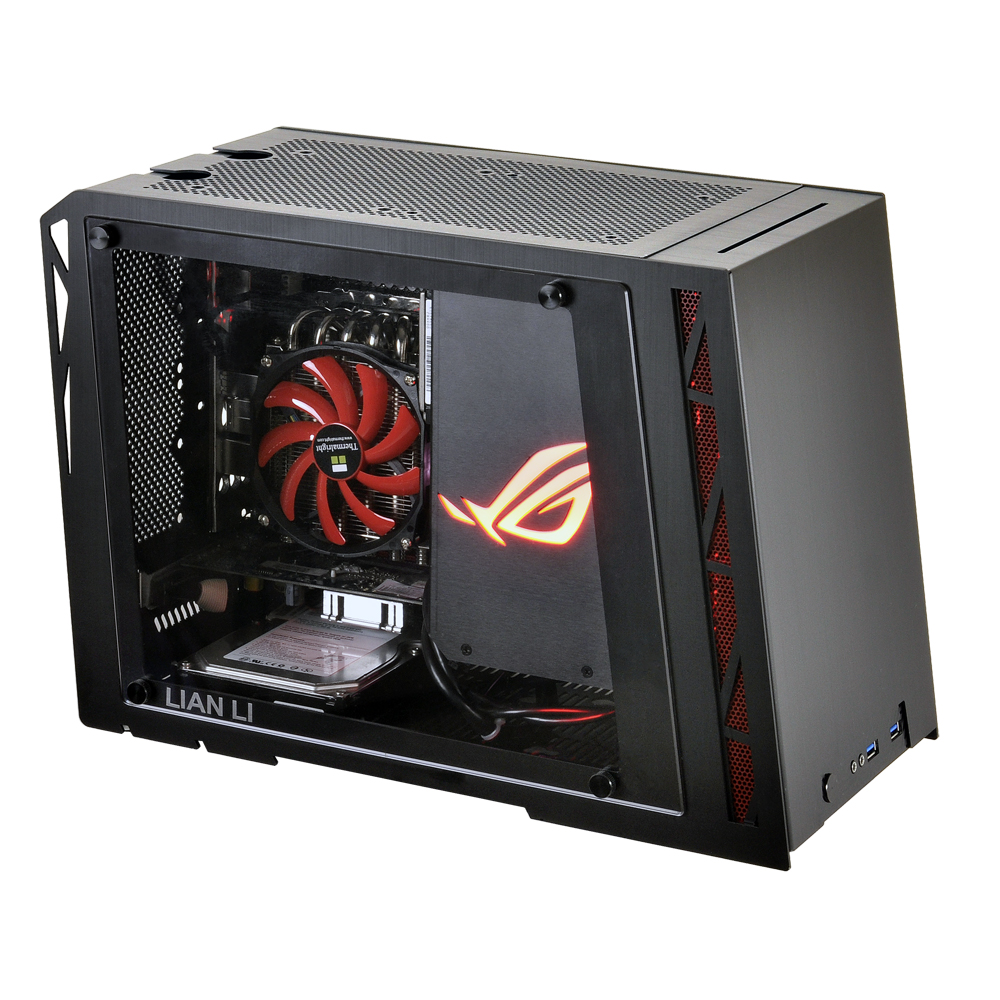
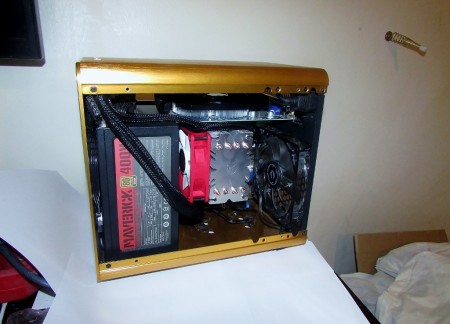
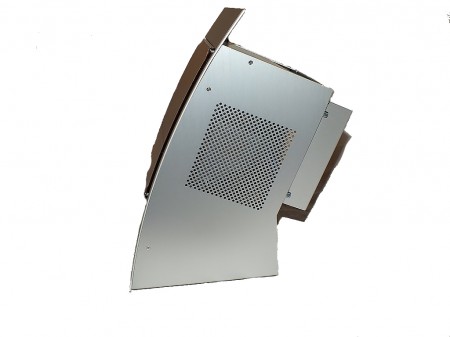
The left side of the case continues the rugged design and has a triangular shaped window embedded into the side panel. Most of the newer Thermaltake cases have implemented this smaller window design, this seems to be a trademark design for Thermaltake these days. There is also a large mesh area in the left side panel which can accept an optional 120mm fan if desired. The right side of the case has a similar design as the left side less the window and mesh.
![]() |
![]() |
The top of the case features another large mesh area with an included 200 x 200mm blue LED fan. Also on the forward section of the top panel is another two USB ports along with a eSATA port. The bottom of the case has four plastic feet and a mesh filter for the power supply fan. We have done several Thermaltake case reviews lately and every case we have seen so far uses hard plastic feet, we much prefer at least a rubber insert if not a completely rubber footing. The hard plastic feet will scratch a surface and not help at all with any vibration concerns. The mesh filter for the power supply can be easily removed by simply sliding it out which makes cleaning an easy chore.
![]() |
![]() |
![]() |
![]() |
Concluding the exterior tour of the Armor A90 is a look at the rear of the case. At the top right are two punch out holes for a water cooling system tubes to pass through, another 120mm exhaust fan, the I/O shield area, and 7 PCI expansion slots. Also at the back of the case is another large mesh area for air flow, and the bottom mount power supply opening. Additionally there is a mouse and keyboard cable hold down bracket which is secured with a thumb screw from the inside of the case. Lastly, there are two more punch out holes just to the right of the PSU opening.


Posted in