
Thermaltake Armor A90 Case Review


Page : 1 2 3 4 5 6ALL

Now that we have taken a close up look at the Thermaltake Armor A90, lets have a go at installing a system to it.  We decided to build up a system fully loaded with two hard drives, a card reader, and two HD3870′s in crossfire.  This should give us a good idea of the room available for cable management and how much effort it takes to cram all those components in to the Armor A90.

We started off by installing the DVD Rom drive, we opted to secure it with screws on the right side and used the tool-less design on the left side.  We did the same for the two 3.5 hard drives.

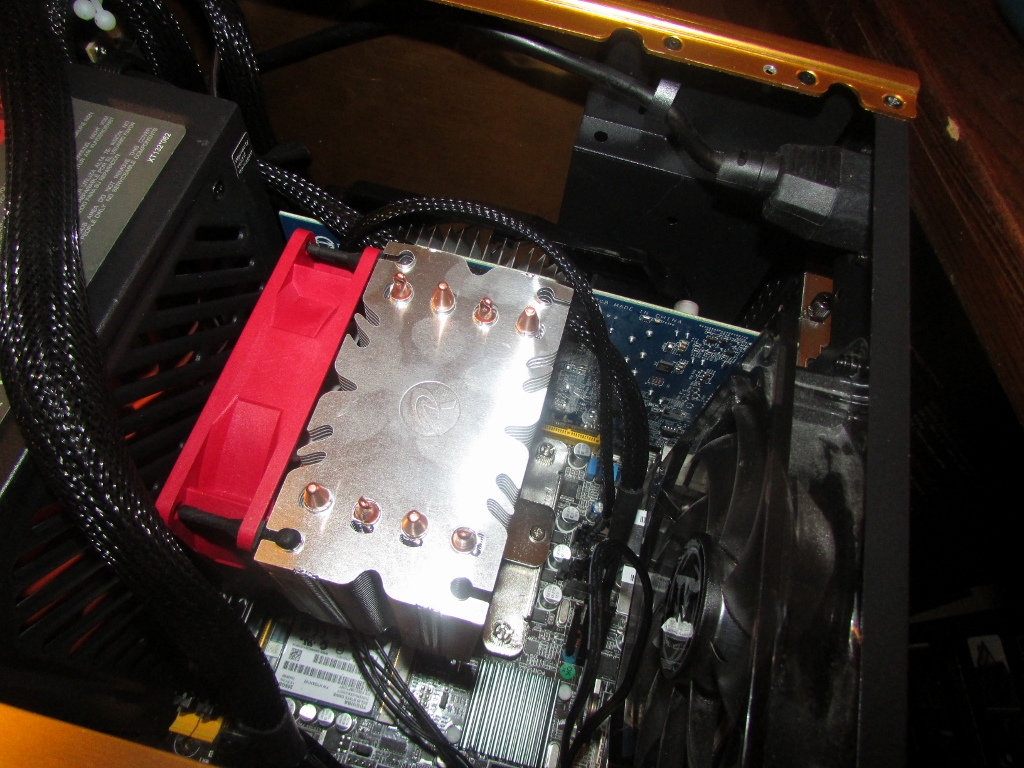
Mounting the motherboard with the memory and CPU cooler installed was a painless task, everything dropped right in and lined up perfectly.  Once that was done we installed the power supply and the two video cards.  After that it was just a matter of plugging everything in.  We packed a lot of items into this case and it was pretty easy to do so.  There was plenty of room to work and we sure packed that “pocket” behind the 3.5 drive bay full of wires!  Keep in mind the design of the Gigabyte H55 board we used did not have the greatest layout, especially the SATA port location.  All and all, not to bad for a mid tower case packed with components.

And finally a few shots of the build with the lights!

«»